Club Organizers

- Playwright tests ensure that all core pages (Landing, Clubs, Info, etc.) load properly and that forms (e.g. club submission forms) function correctly with valid input.
Table of contents
- Overview
- Approach
- Use Cases
- Additional Implementation
- Developer Guide
- Organization Links
- Milestones
- User Guide
- Community Feedback
- Contact Us
Overview
Club Organizers is a centralized platform dedicated to showcasing the diverse range of student organizations at the University of Hawaiʻi at Mānoa. With over 150 Registered Independent Organizations (RIOs) on campus, students have countless opportunities to get involved, connect with others, and pursue their interests. However, finding clear and up-to-date information about these organizations can be a challenge. Club Organizers aims to bridge that gap by offering an easy-to-navigate space where students can discover clubs, access contact details, stay updated on events, and engage with the vibrant UH Mānoa community.
Approach
Club Hub features three distinct user roles, all accessible through UH ID login.
- Students and general users can explore the club directory, discover new organizations, and find ways to get involved.
- Club Administrators have special access to manage their organization’s profile, keeping information up to date for potential members.
- Super Administrators oversee the platform, ensuring content remains appropriate and accurate. They also have the authority to assign Club Admin privileges to eligible users.
The website will include the following pages:
- Landing Page
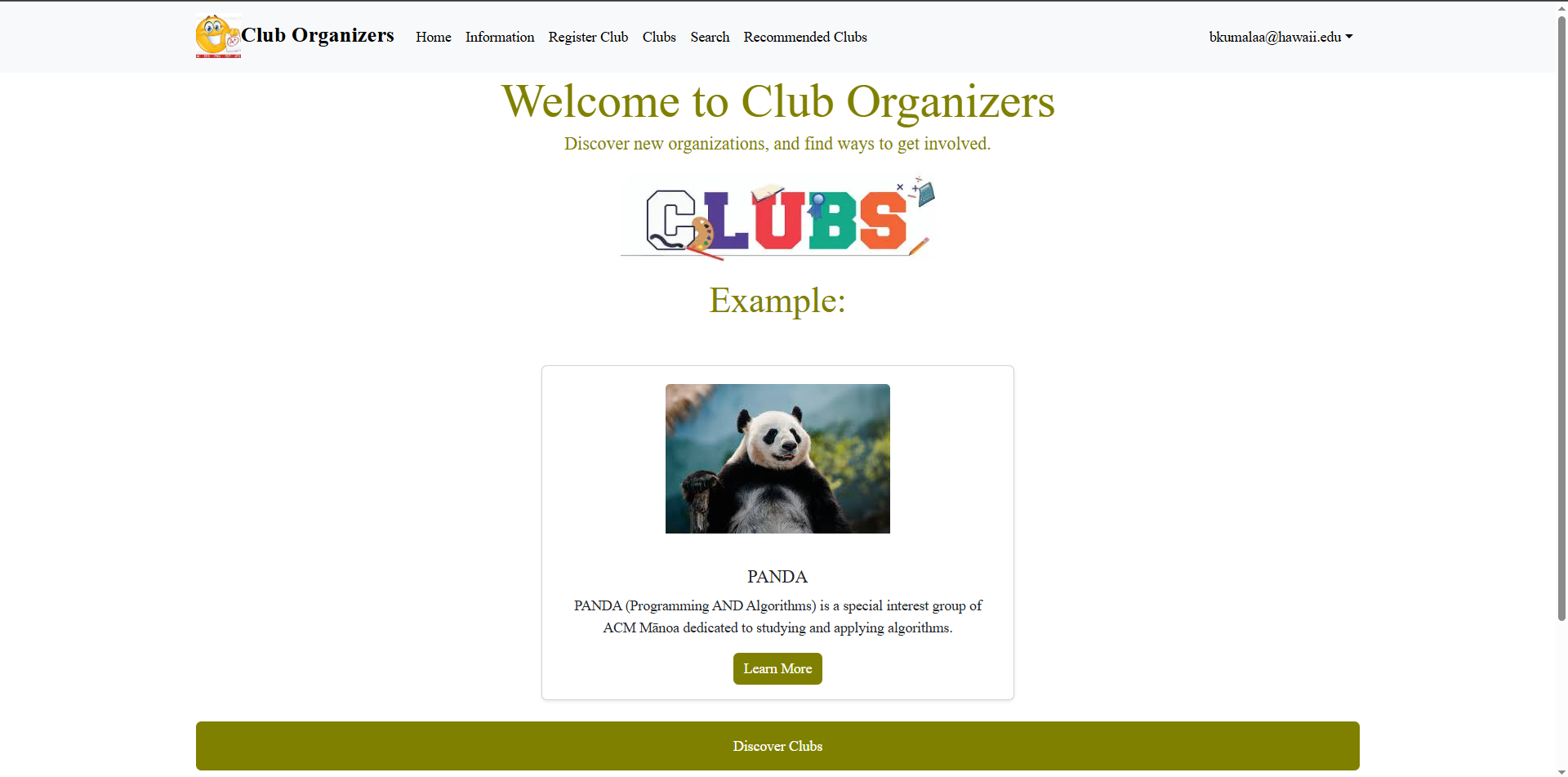
- Main directory to other pages
- Includes a few organizations in the middle
- Information Page
- A brief summary about the purpose of the website
- Your Profile Page
- Displays the user’s information and profile
- Clubs Page
- A list of clubs the user can join
- Search Page
- Allows the user to search for any clubs that they may be interested in
- Login Pages
- Sign in
- Sign up
Use Cases
- New user gets to the landing page, goes to login, gets to user home page, sets up profile.
- Admin goes to landing page, logs in, moderates club page
- Club admin user goes to landing page, logs in, goes to club page, edits page
Additional Implementation
Once the webpage has been implemented, our team will try work on more technical features, including:
- User comments and reports
- User may be able to comment on organizations or report inappropriate activities
- Notify and email users about club “expiration dates”
- Add tags that users can use to search
Developer Guide
🛠 Setup Instructions
-
Clone the repository:
git clone https://github.com/club-organizers/club-main.git cd club-main — -
Install dependencies: npm install Create a .env.local file with your environment variables: —
-
Create a .env.local file with your environment variables NEXT_PUBLIC_SUPABASE_URL=your_supabase_url NEXT_PUBLIC_SUPABASE_ANON_KEY=your_anon_key —
-
Run the development server: npm run dev —
✅ Running Tests To run Playwright tests and check for ESLint issues: npx playwright test npm run lint
Organization Links
Source: Click Here
Mockup Website: Click Here
Team Contract: Click Here
M1 Project Board: Click Here
M2 Project Board: Click Here
M3 Project Board: Click Here
Vercel Deployment: Click Here
Milestones
Milestone 1
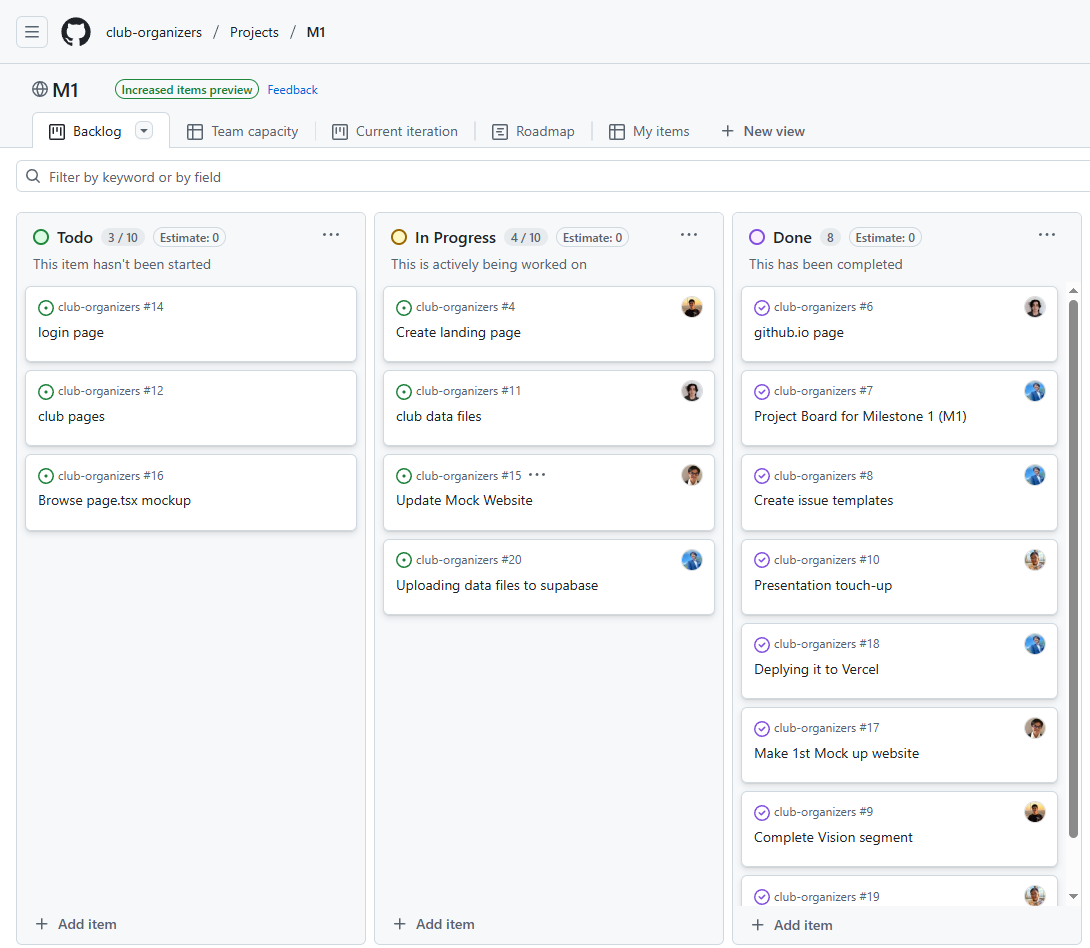
For Milestone 1, our team created basic HTML mock-up pages to visualize the initial layout and structure of our website.
M1 Project Board: Click Here
Milestone 2
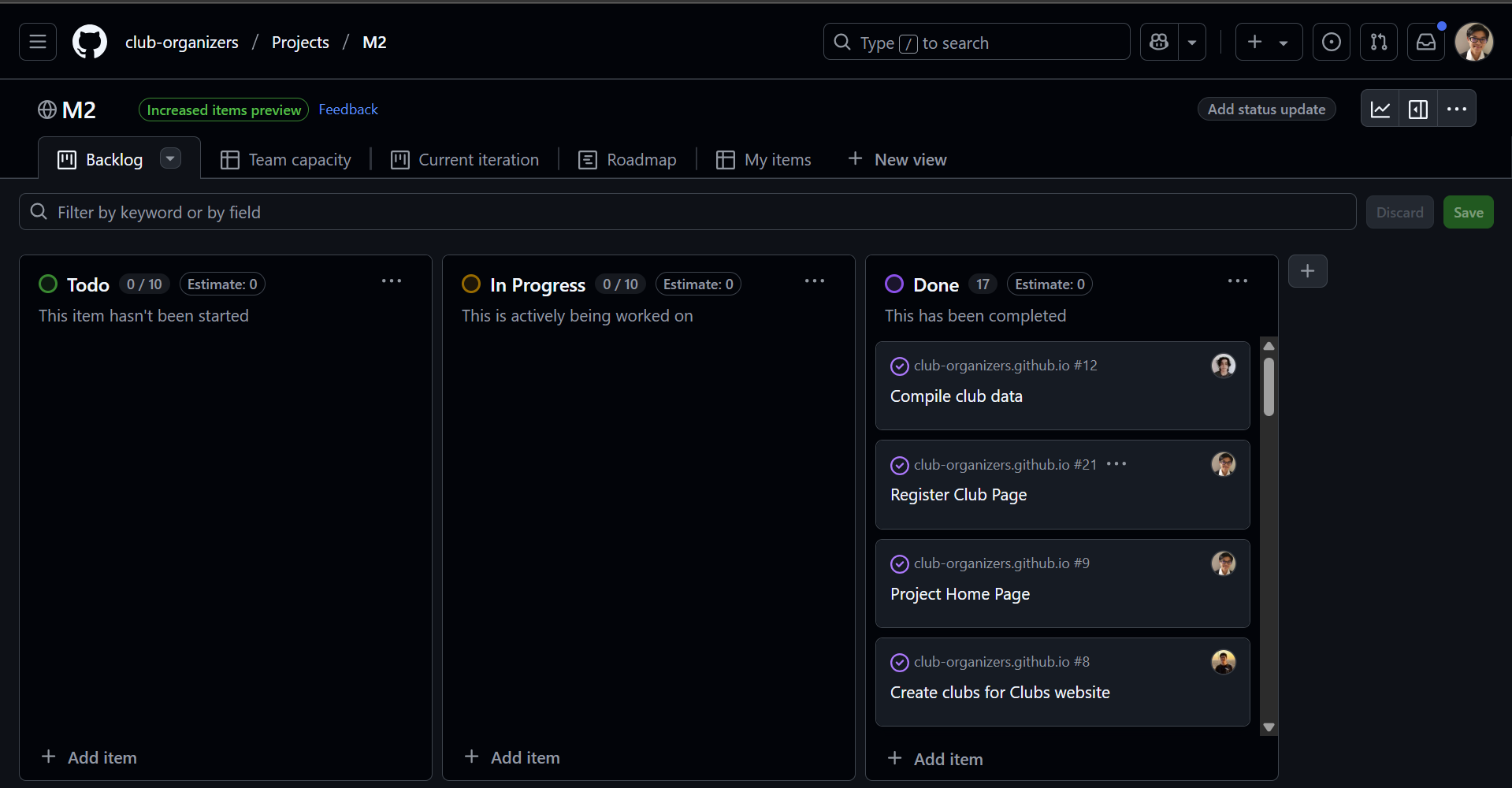
For Milestone 2, our team focused on implementing:
- dynamic club pages
- database integration for reading and writing data
- continuous integration with automated testing
M2 Project Board: Click Here
Milestone 3
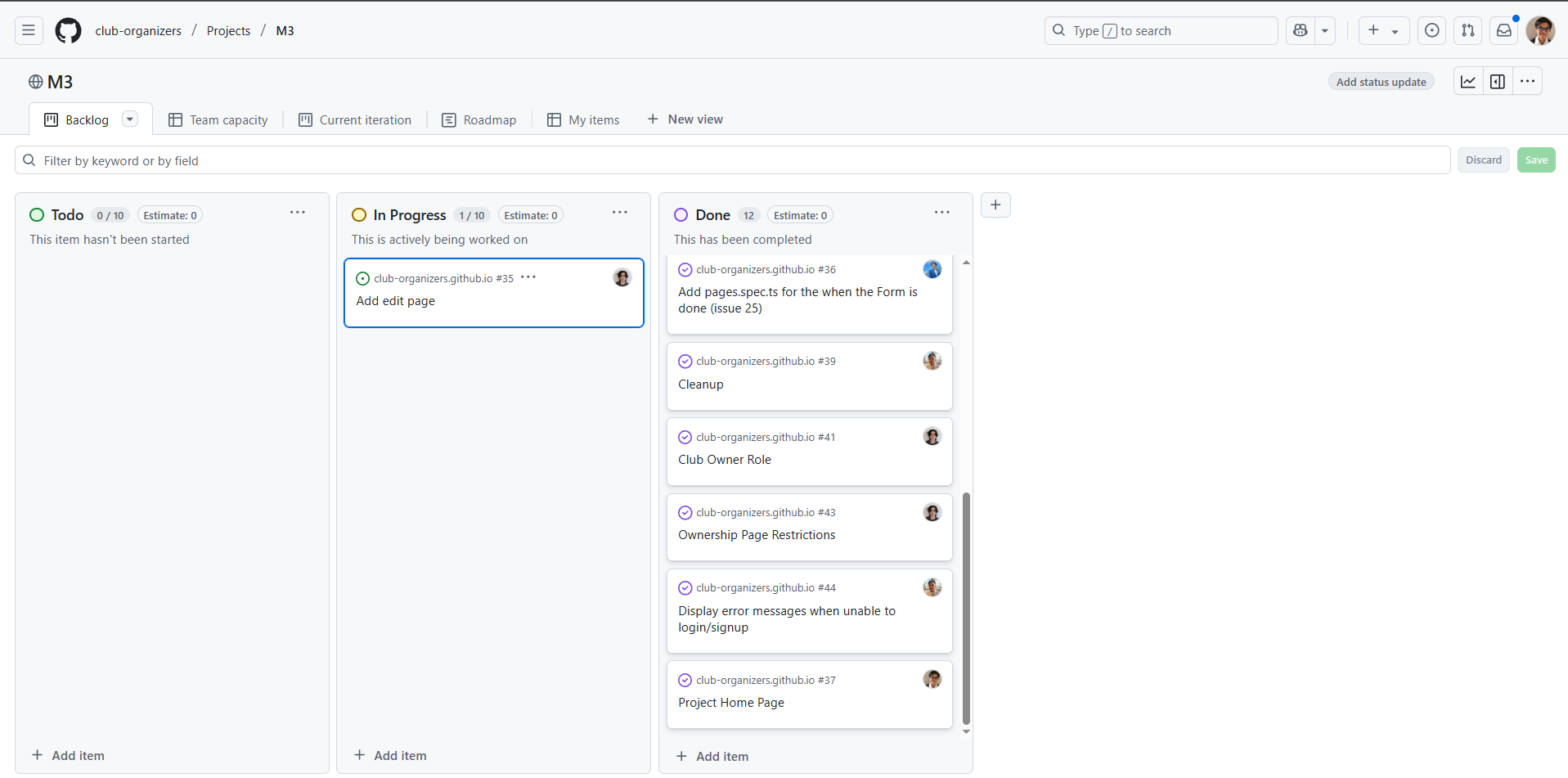
For Milestone 3, our team will focus on implementing:
- Editing and adding pages made exclusively for admin
- User webpage unable to edit club data
- Personal user changes
M3 Project Board: Click Here
User Guide
Landing Page
When you open the application, users will be welcomed with our landing page. It has a brief description of the website and allows users to discover more clubs with a click of a button at the bottom.
Information Page
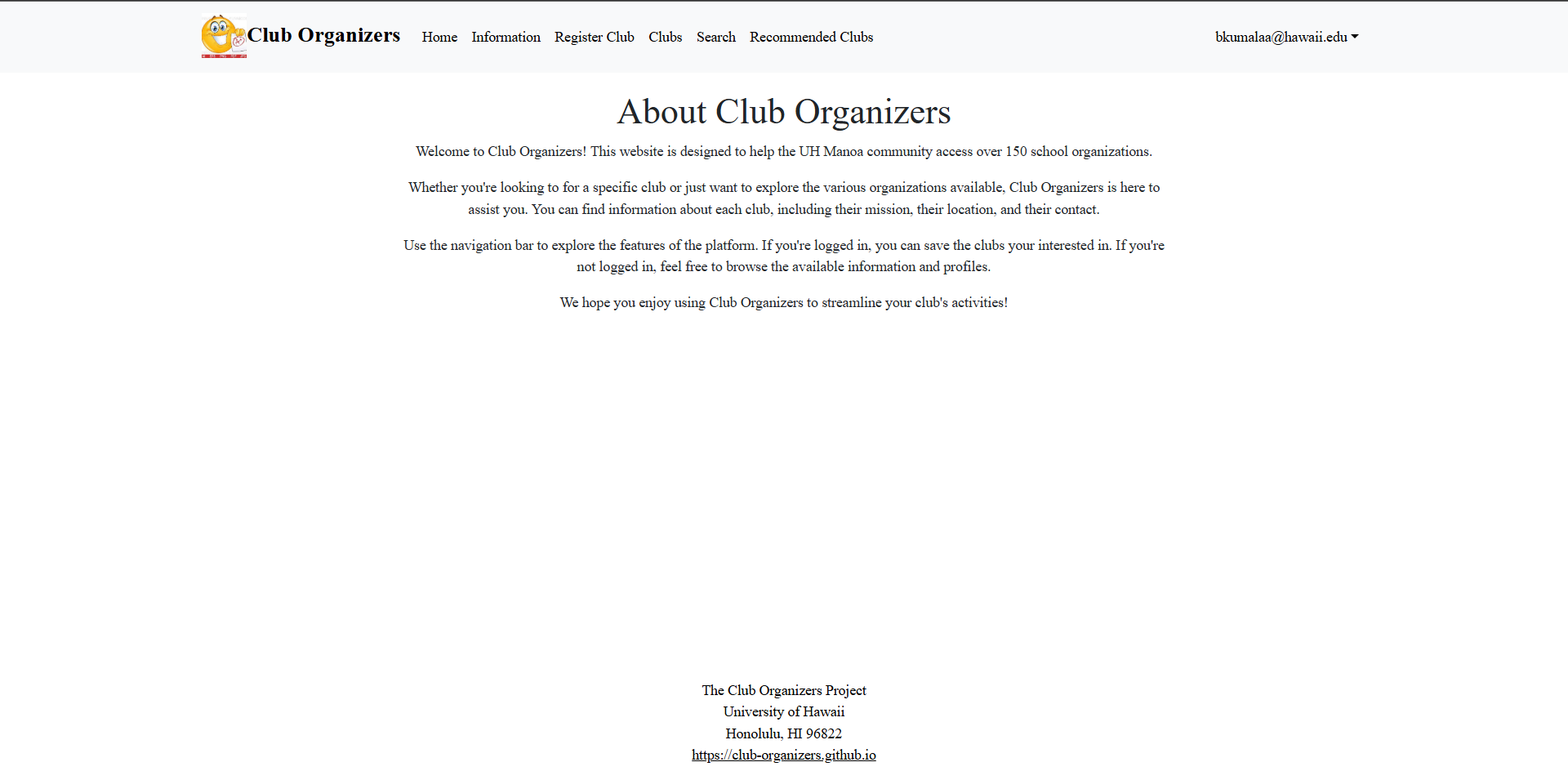
The Information tab will lead users to a page that gives more information about the purpose of our website.
Register Club Page
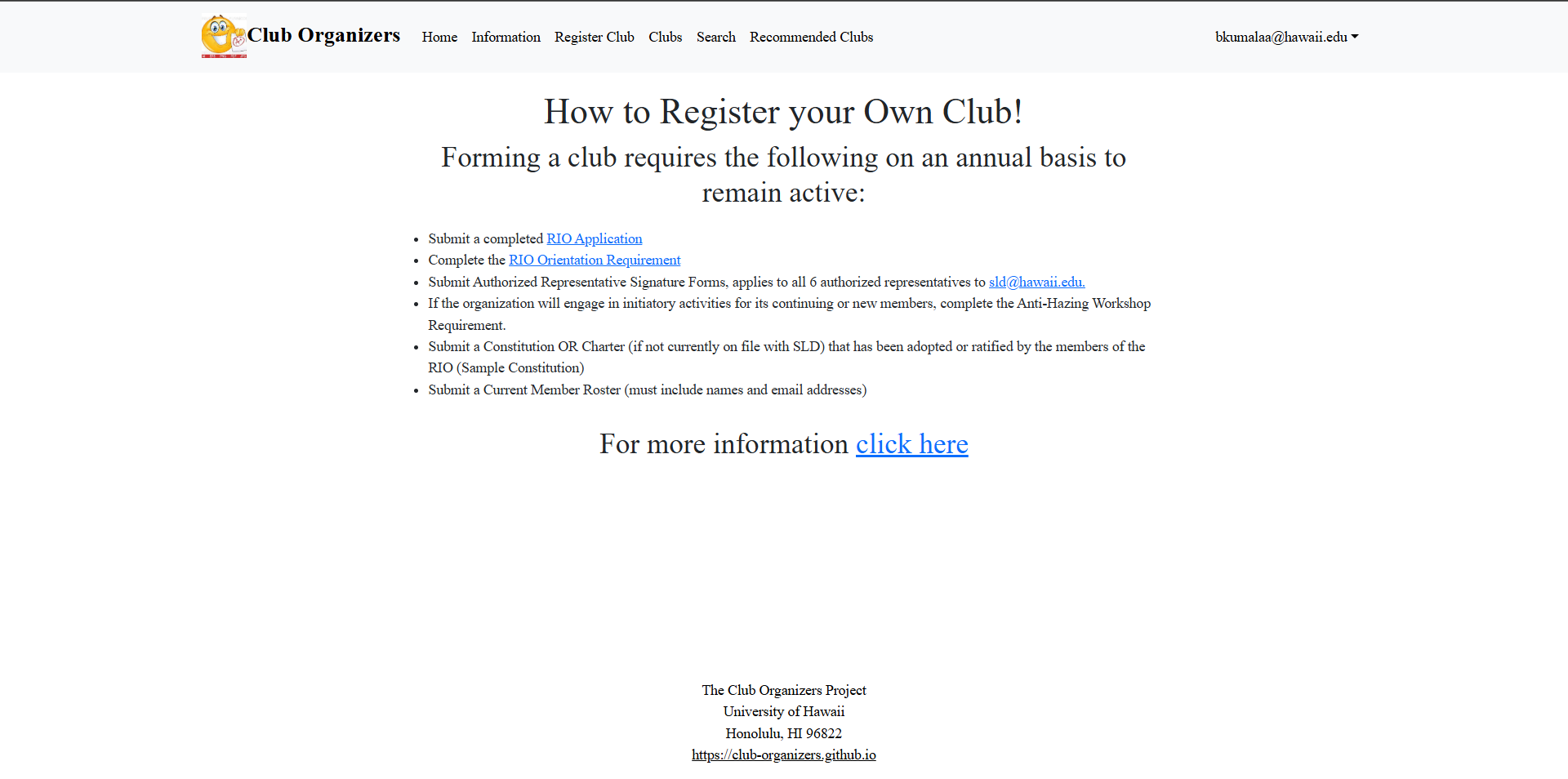
If users wish to learn how to make a new official club, the Register Club tab will open up to a page that will give instructions and links to help guide them.
Clubs Page
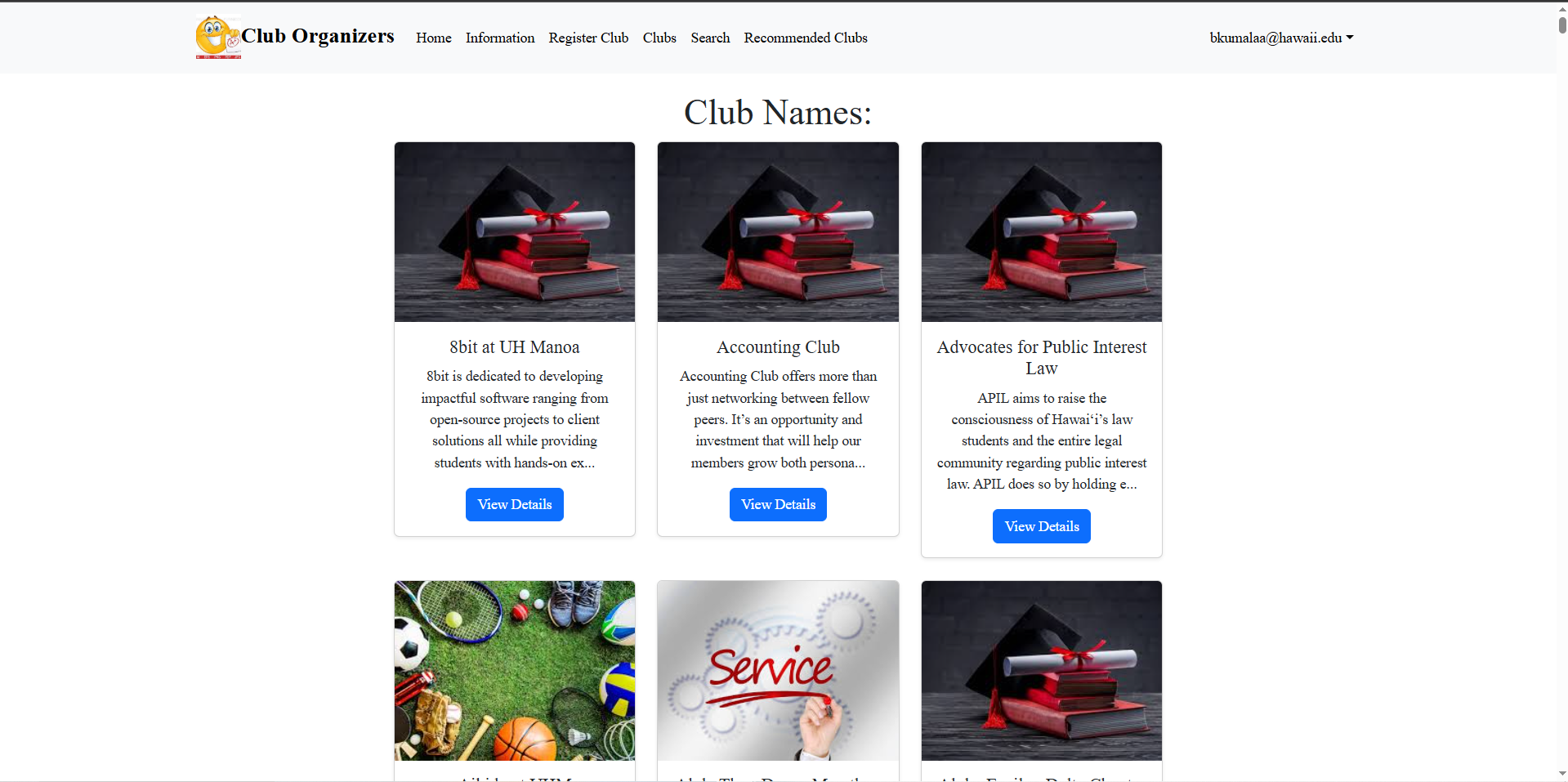
If users wish to see all of the clubs available at UH, they can click on the Clubs tab, which will show all of the clubs in alphabetical order.
Individual Clubs
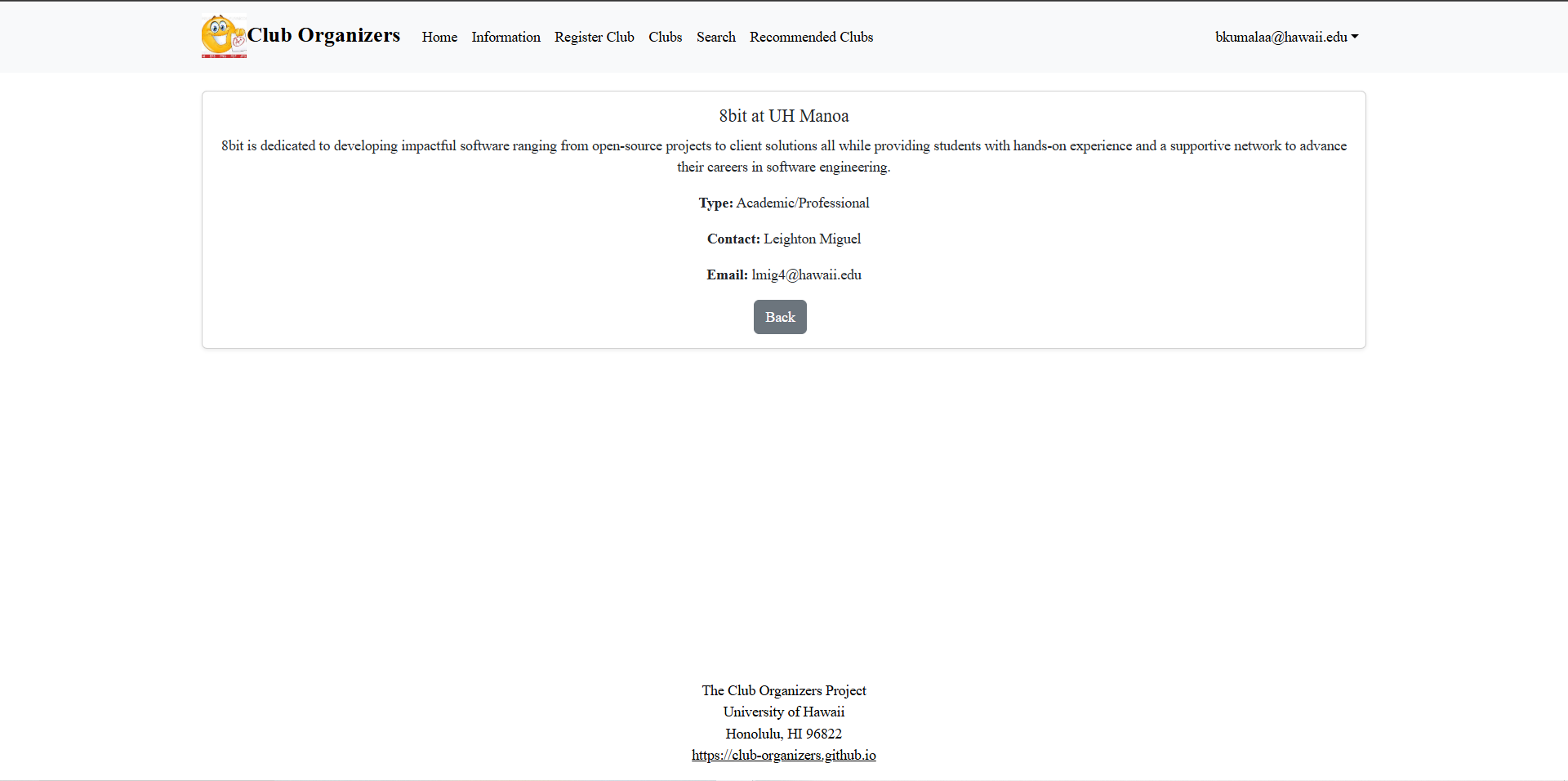
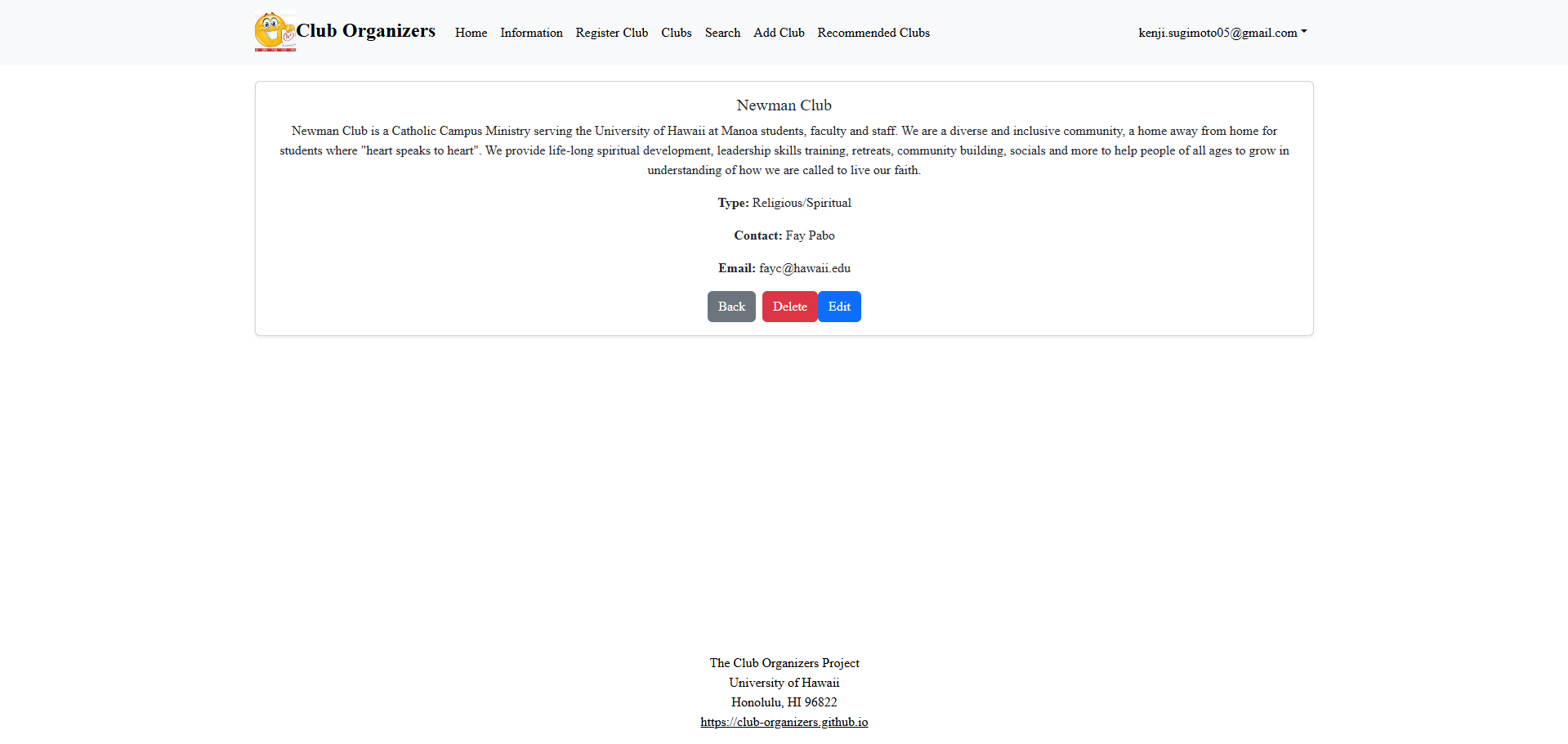
When users find a club that interests them, they can click the View Details button to get some basic information about it. If the user is an admin, they have the ability to delete a club.
Search Page
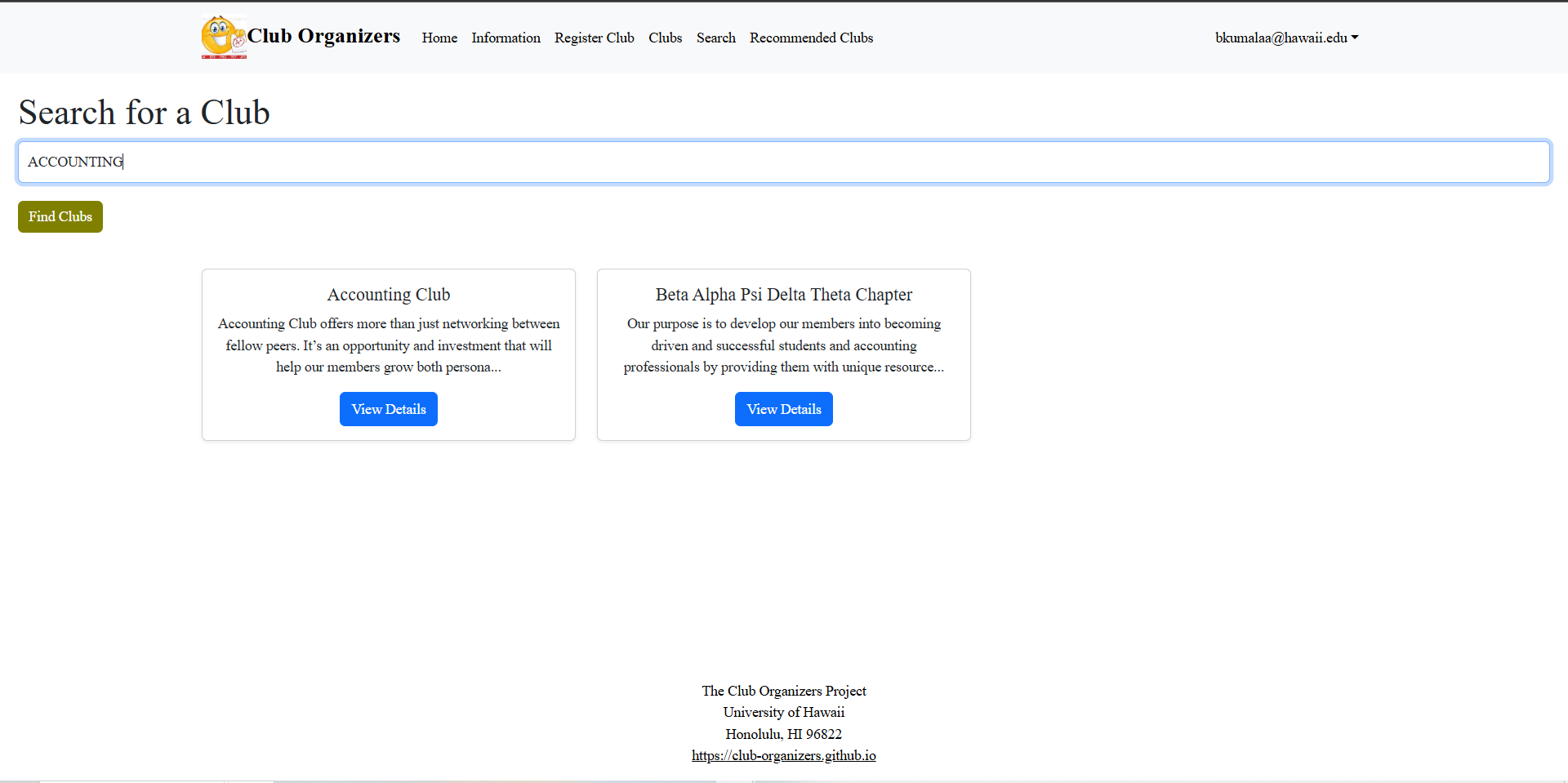
If users would rather search for a specific club, they can go to the Search tab and search for a club using the name or description.
Recommended Clubs
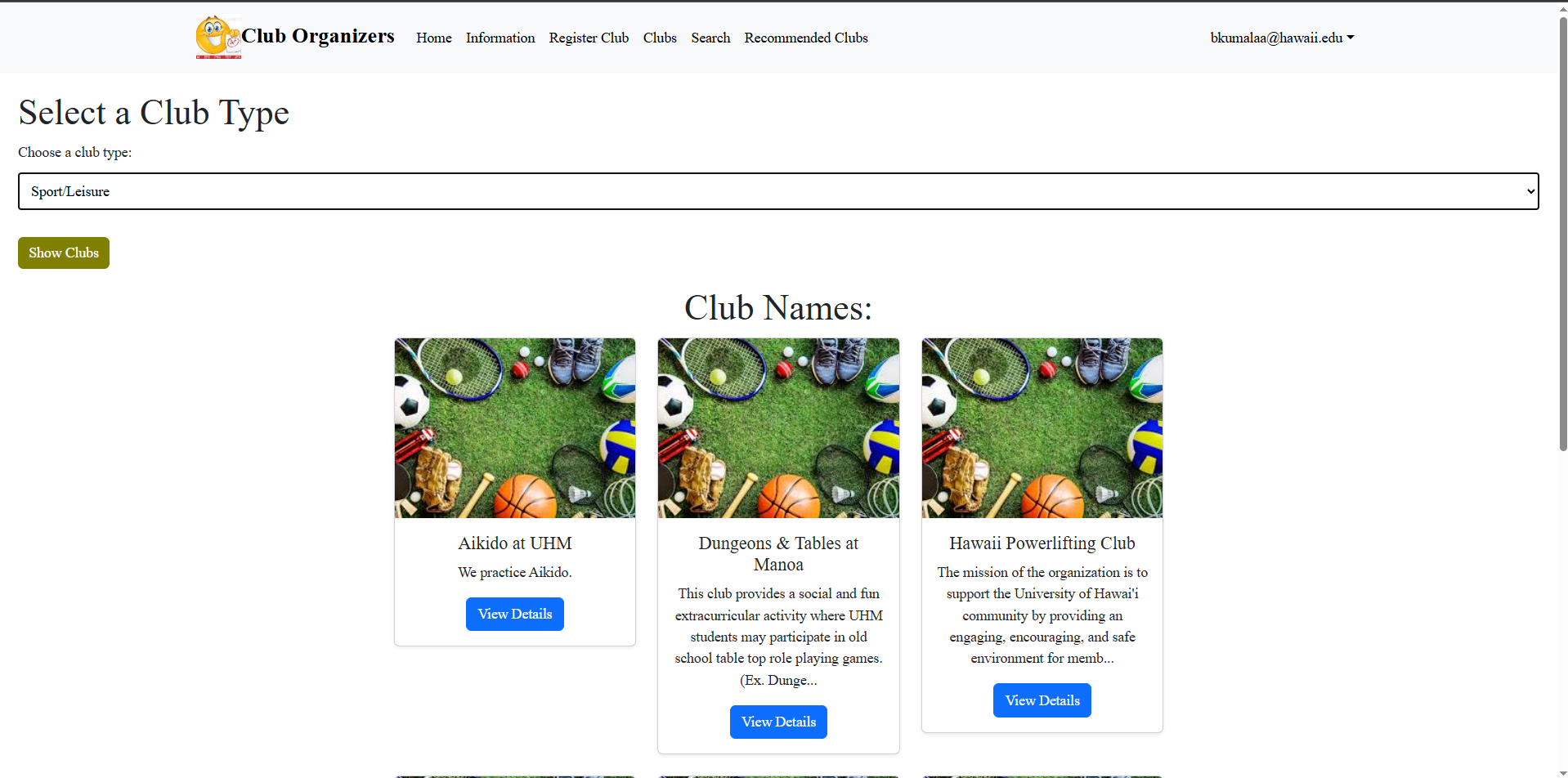
When users sign in and press the Recommended Clubs tab, they can use a drop-down list of the different types of clubs. Users simply select one, and they will be shown all of the different clubs that match said type. If they see a club they are interested in, they can view details about it.
Add Club Page
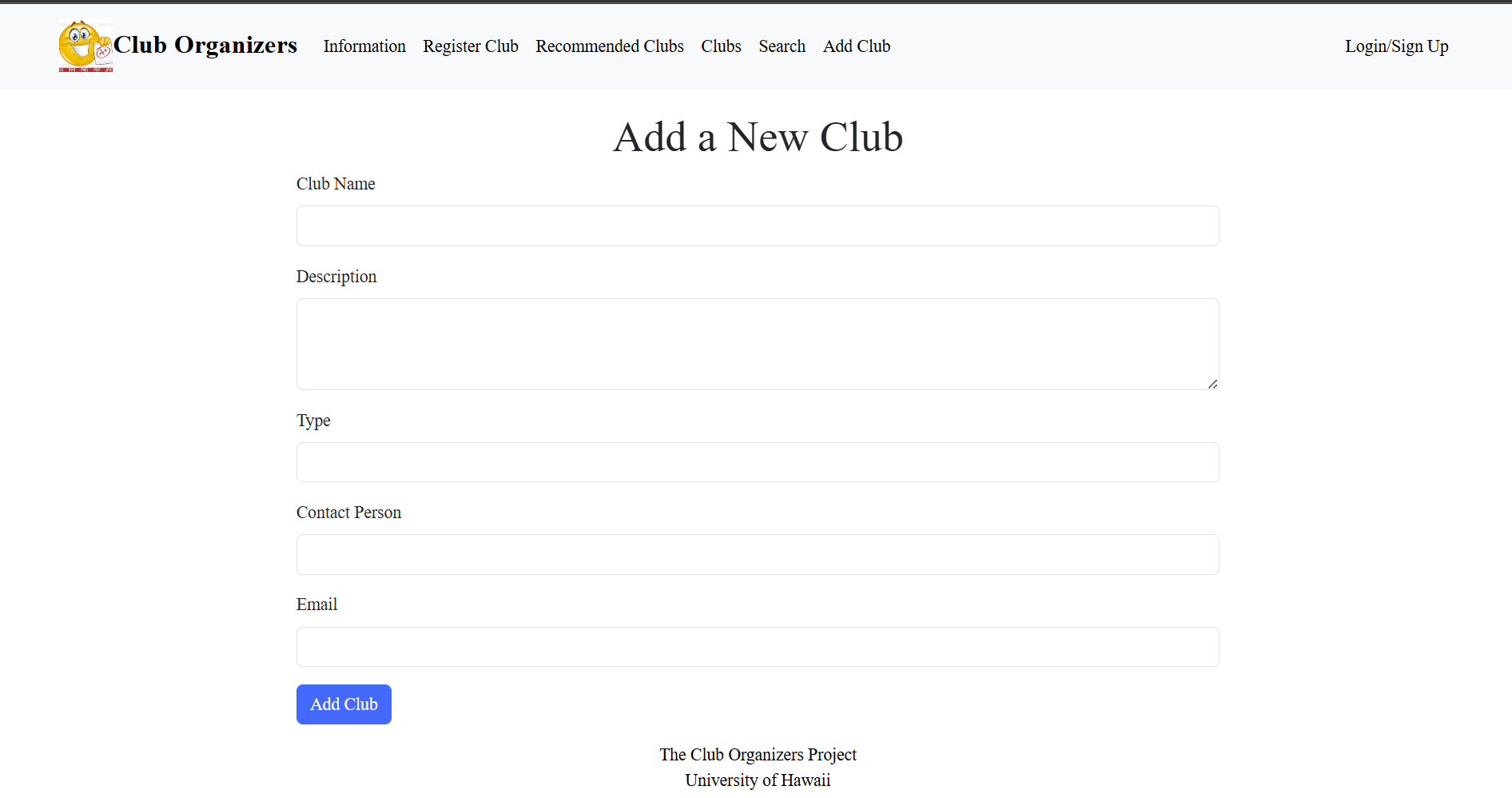
To add a club, users can refer to the Add Club tab. Simply providing the following information and adding the club will add it to the club database.
Community Feedback
- “I feel that the club, search, and recommended clubs pages could merged into a single page so that there is less bloat in the Navbar” -UH Student
- “I think that a club member count could be a useful addition” -A UH Club Founder
- “The site works well on desktop, but a more responsive mobile layout with better spacing and touch-friendly buttons would make it easier to browse on phones.” Rei’s friend
- “It would be great to have a way to bookmark or save clubs for later so I can come back to them easily.” Rei’s friend
- “I think adding a review feature where people in clubs could write what they think, maybe could be more interactive” -UH Student